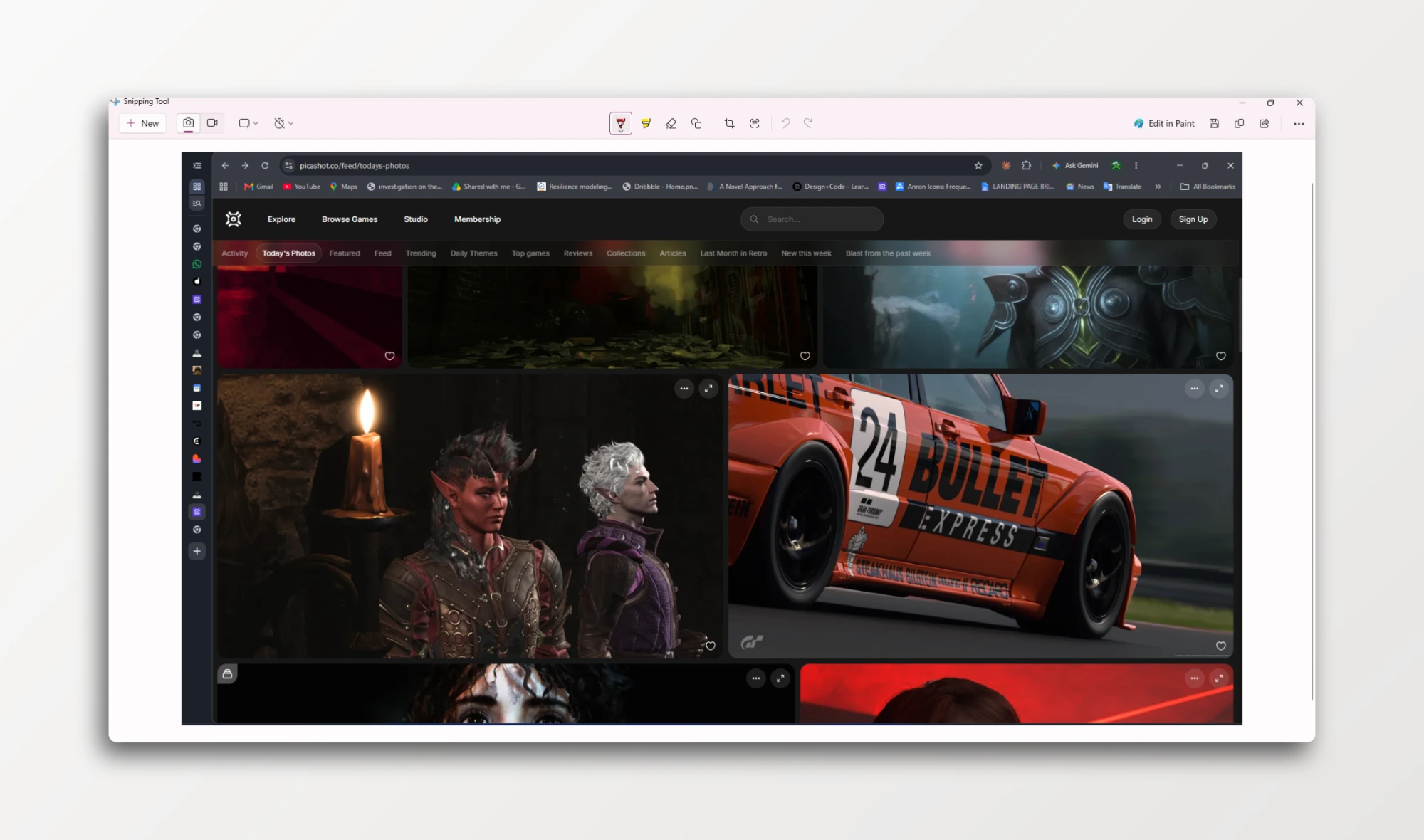
Windows native Screenshot/record App has its limit, so I built a better one.
Take a screenshot or record & modify to your taste before sharing.
Everything Skirin does
Capture, mark up, dress and export, all of it in the one window you started in. Nothing here is more than a keystroke or a click away.
Captures what you were looking at
The picture is taken before the overlay appears, so a tooltip cannot close between the drag and the file. You choose your rectangle against a still image, and one key takes the same rectangle again.
Snaps to real windows
Window rectangles come from Windows itself rather than a guess at where the edges are, so clicking a window lands on the window. Multi monitor and mixed DPI included.
Starts without opening anything
Five global shortcuts, all rebindable, each one also in the tray menu. A magnifier with a hex readout follows the cursor for when a colour is the only thing you came for.
Thirty backdrops, and your own
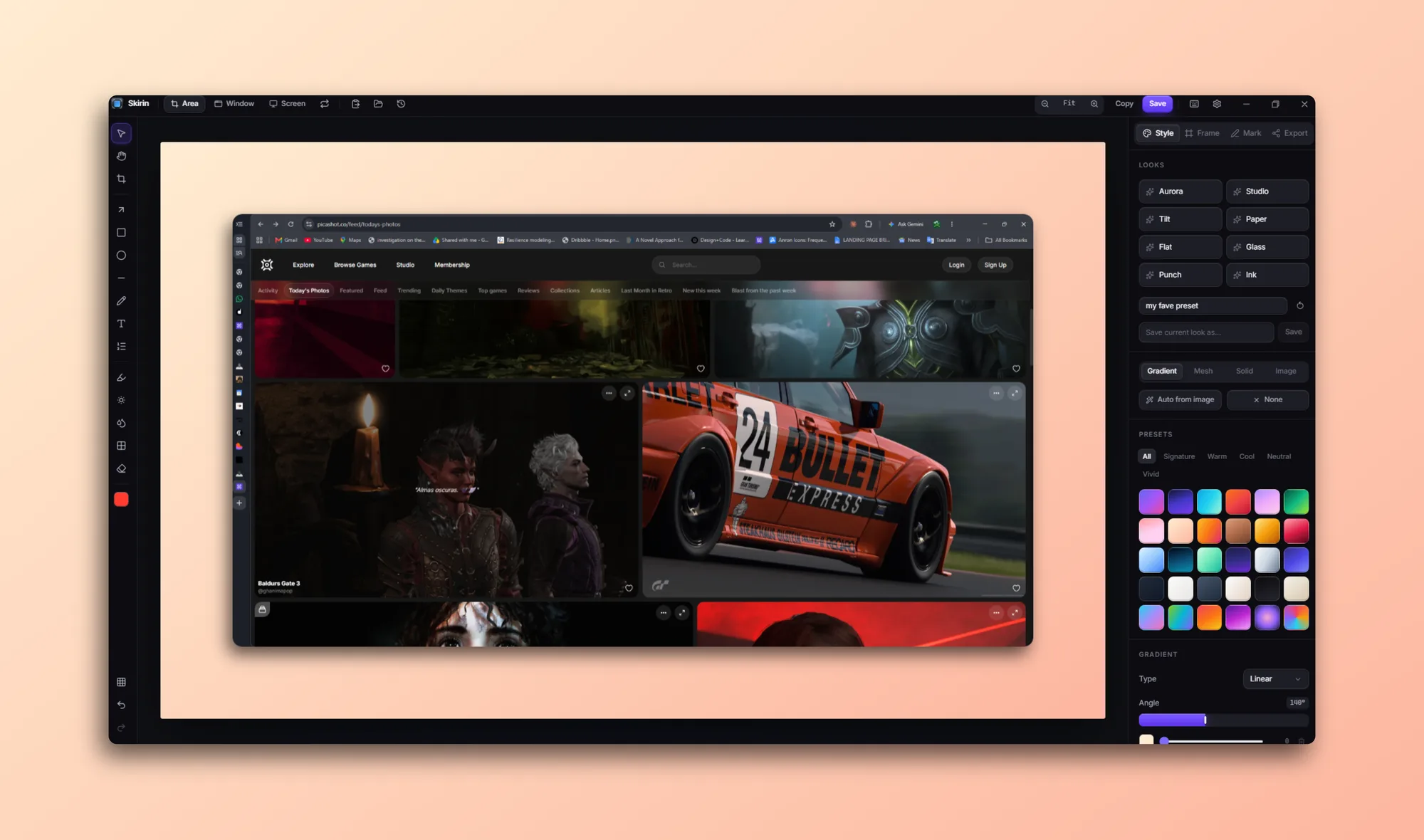
Gradients, six editable mesh presets, solid colours, an image of your own, or a colour sampled straight out of the screenshot. Grain and vignette on top.
A real tilt, not a skew
Padding, radius, border, reflection and window chrome, plus a projective transform rather than a shear, so the far edge genuinely recedes instead of stretching.
Arrows, steps and spotlights
Text, numbered steps, highlight, spotlight, blur and pixelate. Nothing is flattened until you export, so every mark is still movable an hour later.
Smart redact hands you shapes
It reads the capture and covers what looks private: emails, phone numbers, card numbers, API keys, tokens, IPs. The results are ordinary rectangles, so a bar over the wrong thing is one drag from being right. The model downloads once and then works offline.
Exports to fit where it is going
PNG, JPEG or WebP at 1x, 2x or 3x, with a size budget that searches quality and then resolution until the file clears the limit of the chat app you are about to drop it into.